كفاءة عالية
HEIF، اقرأ بسهولة
تقنية OCR تكتشف النص داخل صورة HEIF الخاصة بك وتترجمه دون التأثير على الصورة نفسها. تبقى الصورة عالية الكفاءة واضحة ومفصلة تمامًا كما التقطتها.

مجاني · أكثر من 150 لغة · بدون تسجيل
قم بتحميل صورة HEIF واحصل على ترجمة دقيقة تحافظ على التنسيق الأصلي والتصميم والأسلوب البصري.
اسحب الملف إلى أي مكان
أو
الصيغ المدعومة: PDF, PPTX, DOCX, XLSX, CSV, JSON, XML, YAML, EPUB, VTT, SRT, JPG, PNG, HEIC, HEIF, WEBP, MD, TXT
لماذا يختارنا الناس
ترجم النصوص داخل صور HEIF مع الحفاظ على الصورة عالية الكفاءة وعالية الجودة كما هي — لا حاجة للتحويل. تقنية OCR تكتشف النص وتترجمه لك، بينما تبقى الصورة نفسها واضحة ومفصلة تمامًا كما الأصل.
تقنية OCR تكتشف النص داخل صورة HEIF الخاصة بك وتترجمه دون التأثير على الصورة نفسها. تبقى الصورة عالية الكفاءة واضحة ومفصلة تمامًا كما التقطتها.
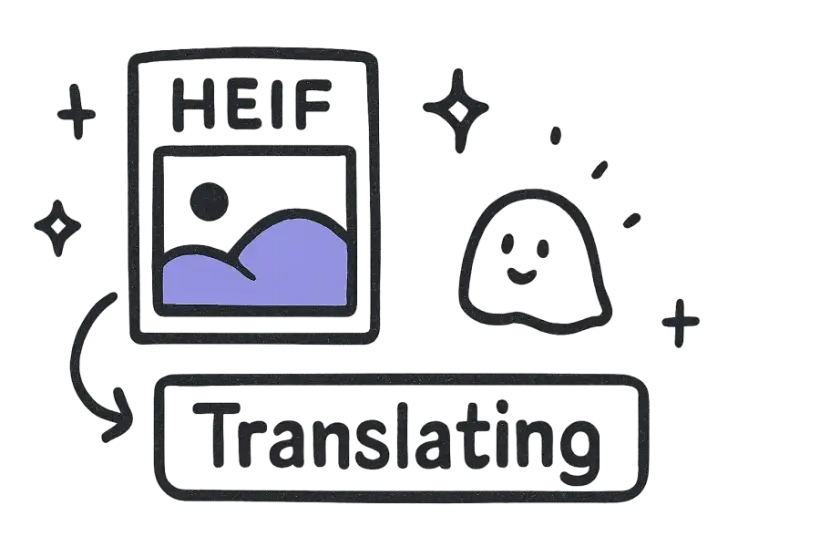
تُحفظ صورتك عالية الجودة بدقة كاملة، دون إعادة رسم أو تدهور. فقط النص المكتشف يتغير لغته، لذا تحتفظ بالصورة الأصلية وتفهم ما مكتوب فيها.
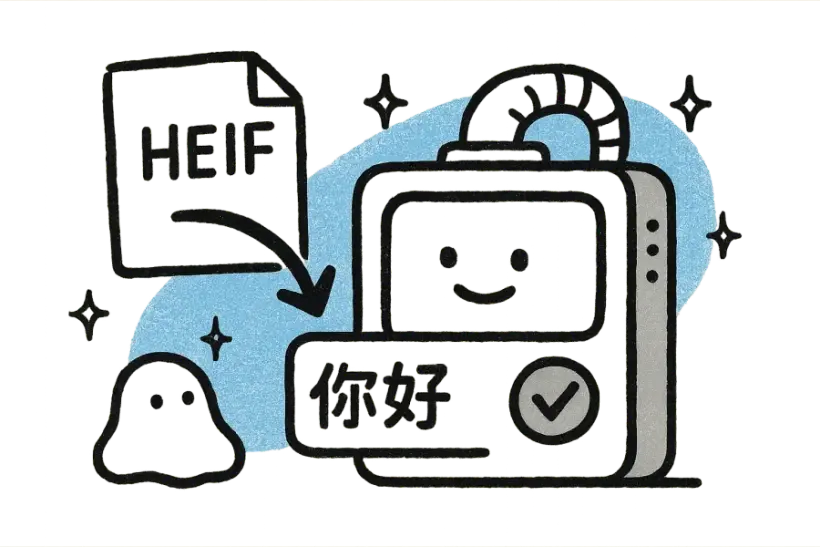
فقط قم بإسقاط ملف HEIF، اختر اللغة المستهدفة، واقرأ ما تحتويه خلال ثوانٍ. لا توجد خطوة تحويل، ولا تثبيت، ولا حاجة لحساب للحصول على الترجمة.
محبوب من قبل أكثر من 2 مليون مستخدم
المصورون والفرق يثقون به مع صورهم عالية الكفاءة.
“أرفقت ملفًا ضخمًا وعاد التنسيق مثاليًا. وفر عليّ بعد ظهر كامل من النسخ واللصق.”
 Mariana Lópezمدير التوطين
“أخيرًا مترجم لا يفسد التنسيق. كل شيء مرتب تمامًا كما في الأصل.”
 David Chenمسوق منتجات
“الترجمات تبدو طبيعية، ليست آلية. عملائي حقًا لم يستطيعوا التمييز.”
 Aisha Rahmanمترجم مستقل
“حمّلت الملف وحصلت على نسخة نظيفة وجاهزة للمشاركة في أقل من دقيقة.”
 Yuki Tanakaمهندس ميكانيكي
“لا تسجيل، لا تعقيدات. فقط اسحب الملف، حمّل الترجمة، وانطلق.”
 Marco Rossiطالب دراسات عليا
“نستخدمه في الفريق بأكمله. دقة التنسيق لا تصدق.”
 Grace Okaforرئيس العمليات
“أرفقت ملفًا ضخمًا وعاد التنسيق مثاليًا. وفر عليّ بعد ظهر كامل من النسخ واللصق.”
Mariana Lópezمدير التوطين“أخيرًا مترجم لا يفسد التنسيق. كل شيء مرتب تمامًا كما في الأصل.”
David Chenمسوق منتجات“الترجمات تبدو طبيعية، ليست آلية. عملائي حقًا لم يستطيعوا التمييز.”
Aisha Rahmanمترجم مستقل“حمّلت الملف وحصلت على نسخة نظيفة وجاهزة للمشاركة في أقل من دقيقة.”
Yuki Tanakaمهندس ميكانيكي“لا تسجيل، لا تعقيدات. فقط اسحب الملف، حمّل الترجمة، وانطلق.”
Marco Rossiطالب دراسات عليا“نستخدمه في الفريق بأكمله. دقة التنسيق لا تصدق.”
Grace Okaforرئيس العملياتالأسئلة الشائعة
نعم، يمكنك رفع ملفات HEIF مباشرة دون الحاجة لأي تحويل. لا حاجة لتصديرها إلى صيغة أخرى أولًا — فقط قم بإسقاط الصورة وترجم النص الموجود فيها.
نعم. يتم الحفاظ على صورة HEIF عالية الجودة بجودة كاملة، ويتم ترجمة النص الموجود بداخلها فقط. تحتفظ بالصورة الأصلية وتحصل ببساطة على ترجمة واضحة لما تعرضه.
يستخدم تقنية التعرف الضوئي على الحروف (OCR) لاكتشاف وقراءة النص داخل صورة HEIF الخاصة بك، ثم يترجمه إلى اللغة التي تختارها. يعمل هذا مع اللافتات، والتسميات التوضيحية، والوثائق التي تم التقاطها في الصورة.
يتوفر أكثر من 150 لغة، مع اكتشاف تلقائي للغة المصدر. لست بحاجة إلى معرفة اللغة الأصلية للنص — يتم تحديدها لك وترجمتها إلى أي لغة هدف تختارها.
لا، يمكنك التجربة مجانًا دون حساب، دون بطاقة ائتمان، ودون الحاجة لتثبيت أي شيء. فقط قم برفع صورة HEIF الخاصة بك، اختر لغة، واحصل على النص المترجم في ثوانٍ.