Free · 150+ languages · No signup

AI PDF translator

Upload a PDF file and get an accurate translation that preserves the original formatting, fonts, and structure.

Source Language
Target Language

Drop file anywhere

or

Supported formats: PDF, PPTX, DOCX, XLSX, CSV, JSON, XML, YAML, EPUB, VTT, SRT, JPG, PNG, HEIC, HEIF, WEBP, MD, TXT

Why people choose us

Translate your PDFs,
keep everything.

From scanned reports and legal contracts to design-heavy brochures and product manuals, translate PDFs while keeping every page exactly as it was. Fonts, columns, images, and charts all stay locked in place, so the file you download looks just like the one you uploaded — only in a brand-new language.

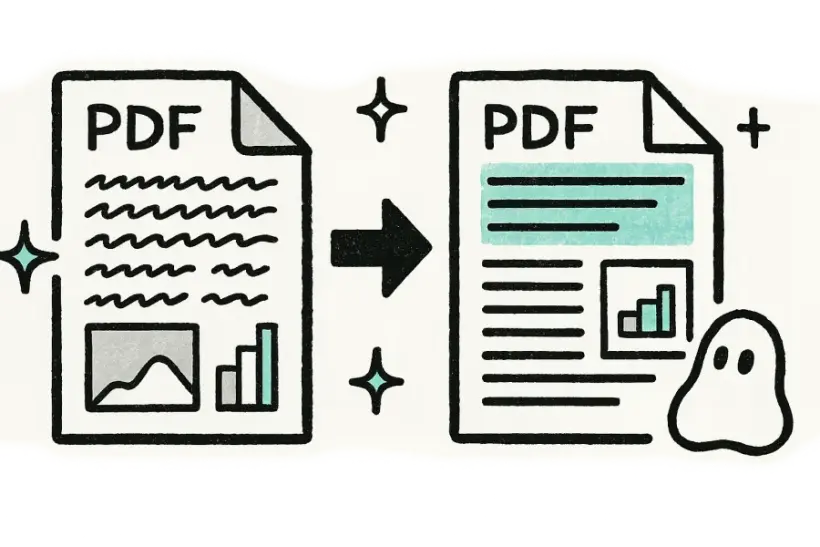
A PDF and its translation side by side with identical page layout
Pixel-perfect pages

Every page looks identical

Columns, headers, footers, images, and charts all stay locked exactly where they were. Your translated PDF mirrors the original page for page, with the same fonts and spacing, so it's ready to print, email, or publish without any touch-ups.

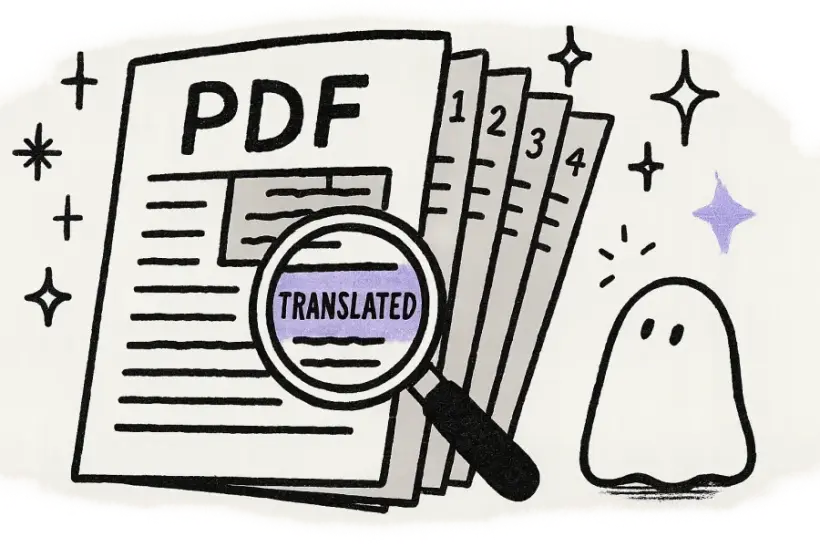
A multi-page PDF fanned open with a magnifier over translated text
Scanned or digital

Even scanned PDFs, handled

Built-in OCR reads the text inside scans and image-based PDFs, even pages you photographed or faxed years ago. That means old contracts, receipts, and printed reports translate just as cleanly as a born-digital file.

A PDF passing through an AI archway and coming out translated
Fast & private

A translated PDF in seconds

Just upload, pick a target language, and download — there's nothing to install or configure. Your files travel over an encrypted connection, are used only for your translation, and are deleted automatically once they're done.

Loved by 2M+ users

Trusted for the files
that matter most.

Researchers, lawyers, and teams trust it with the PDFs they can't afford to break.

I dropped in a huge file and the layout came back perfect. Saved me a whole afternoon of copy-pasting.
Mariana LópezMariana LópezLocalization Manager
Finally a translator that doesn't wreck the formatting. Everything lined up exactly like the original.
David ChenDavid ChenProduct Marketer
The translations read naturally, not robotic. My clients honestly couldn't tell.
Aisha RahmanAisha RahmanFreelance Translator
Uploaded the file and got a clean, ready-to-share version back in under a minute.
Yuki TanakaYuki TanakaMechanical Engineer
No signup, no nonsense. Drop the file in, download the translation, move on.
Marco RossiMarco RossiGraduate Student
We run files through it across the whole team. The formatting fidelity is unreal.
Grace OkaforGrace OkaforOperations Lead
I dropped in a huge file and the layout came back perfect. Saved me a whole afternoon of copy-pasting.
Mariana LópezMariana LópezLocalization Manager
Finally a translator that doesn't wreck the formatting. Everything lined up exactly like the original.
David ChenDavid ChenProduct Marketer
The translations read naturally, not robotic. My clients honestly couldn't tell.
Aisha RahmanAisha RahmanFreelance Translator
Uploaded the file and got a clean, ready-to-share version back in under a minute.
Yuki TanakaYuki TanakaMechanical Engineer
No signup, no nonsense. Drop the file in, download the translation, move on.
Marco RossiMarco RossiGraduate Student
We run files through it across the whole team. The formatting fidelity is unreal.
Grace OkaforGrace OkaforOperations Lead

FAQ

Questions,
answered.

Can I translate scanned PDFs?

Yes. Built-in OCR detects and reads the text inside scanned pages and image-based PDFs, including documents you've photographed, then translates it in place. The original page layout, images, and positioning are all kept intact, so even a paper document you snapped with your phone comes back as a clean, translated PDF.

Will the PDF layout stay the same?

Absolutely. Fonts, columns, images, tables, headers, and footers are all preserved in their original positions, so the translated PDF mirrors the source page for page. In most cases there's nothing to reformat or fix afterward — it's ready to print, send, or publish straight away.

How many languages can I translate a PDF into?

More than 150 languages are supported, with automatic source-language detection so you don't have to specify the original. You can translate in either direction between any supported pair, whether that's English to Japanese, Spanish to Arabic, or any other combination your document needs.

Is the PDF translator free?

Yes, you can try it for free with no signup and no credit card. Just upload your PDF, choose a target language, translate, and download the finished file — there's nothing to install and no account to create before you get your result.

Are my PDFs kept private?

Yes. Your uploads are transferred over an encrypted connection and used only to produce your translation — never shared or sold. Files are removed automatically from our servers once processing is done, so your documents don't linger anywhere after you've downloaded the result.