Your Word file, in a new language
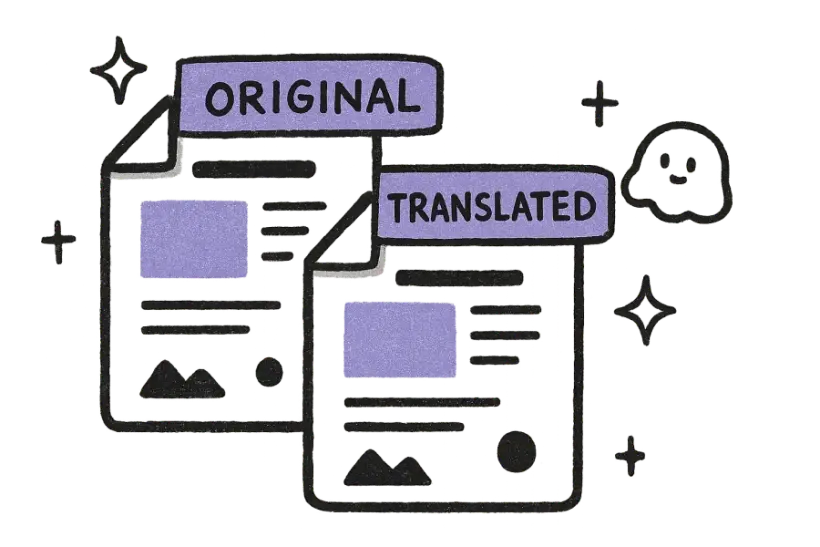
Layout, fonts, spacing, margins, and images are all preserved down to the detail. The translated file reads as a true mirror of the original, so the only difference your readers notice is the language.
Free · 150+ languages · No signup
Upload a Word document and get an accurate translation that preserves the original formatting, fonts, and structure.
Drop file anywhere
or
Supported formats: PDF, PPTX, DOCX, XLSX, CSV, JSON, XML, YAML, EPUB, VTT, SRT, JPG, PNG, HEIC, HEIF, WEBP, MD, TXT
Why people choose us
Upload a Word file and get a faithful translation that keeps your document looking exactly the same. Layout, fonts, images, and spacing all carry over, so the only thing that changes is the language — everything else stays right where you left it.

Layout, fonts, spacing, margins, and images are all preserved down to the detail. The translated file reads as a true mirror of the original, so the only difference your readers notice is the language.

Body text, headings, tables, captions, and footnotes are all translated together in a single pass. Nothing gets skipped or left behind, so even the small print at the bottom of the page comes through in the new language.

There's no need to convert to another format first or copy text into a tool. Just drop your .docx in, choose a target language, and download the finished, translated file — the whole thing takes seconds.
Loved by 2M+ users
Students and teams reach for it whenever a Word file needs a new language.
“I dropped in a huge file and the layout came back perfect. Saved me a whole afternoon of copy-pasting.”
Mariana LópezLocalization Manager“Finally a translator that doesn't wreck the formatting. Everything lined up exactly like the original.”
David ChenProduct Marketer“The translations read naturally, not robotic. My clients honestly couldn't tell.”
Aisha RahmanFreelance Translator“Uploaded the file and got a clean, ready-to-share version back in under a minute.”
Yuki TanakaMechanical Engineer“No signup, no nonsense. Drop the file in, download the translation, move on.”
Marco RossiGraduate Student“We run files through it across the whole team. The formatting fidelity is unreal.”
Grace OkaforOperations Lead“I dropped in a huge file and the layout came back perfect. Saved me a whole afternoon of copy-pasting.”
Mariana LópezLocalization Manager“Finally a translator that doesn't wreck the formatting. Everything lined up exactly like the original.”
David ChenProduct Marketer“The translations read naturally, not robotic. My clients honestly couldn't tell.”
Aisha RahmanFreelance Translator“Uploaded the file and got a clean, ready-to-share version back in under a minute.”
Yuki TanakaMechanical Engineer“No signup, no nonsense. Drop the file in, download the translation, move on.”
Marco RossiGraduate Student“We run files through it across the whole team. The formatting fidelity is unreal.”
Grace OkaforOperations LeadFAQ
Modern .docx files are supported in full, including their text, headings, tables, lists, images, and footnotes. The entire document is translated as one piece, so even small details like captions and notes come through.
Yes. The translated file keeps the original layout, fonts, spacing, and images, so it reads as a mirror of your source document. In most cases there's nothing to fix — it's ready to use straight away.
Large documents are supported without trouble. Very large files with many pages or images may simply take a little longer to process, but the whole file is still translated in a single pass.
More than 150 languages are available, in either direction, with automatic source-language detection. You can pick any supported target language and the original will be recognized for you automatically.
Yes — it's free to try with no signup, and your privacy is protected throughout. Uploads are encrypted in transit, used only for your translation, and deleted automatically once processing is done.